Free shot list template, for live action and AI video
Two printable shot list templates and an Excel workbook. One is a 12-column sheet for shooting with a crew. The other is built for AI video, where every row is one generation. Both come with a filled-in example from a real seven-shot project made in FlyAIgh Director.
Free for personal and commercial projects. Downloads need no signup.
Pick your template
Both templates are landscape PDFs that print cleanly in black and white at 100% scale, in A4 and US Letter.
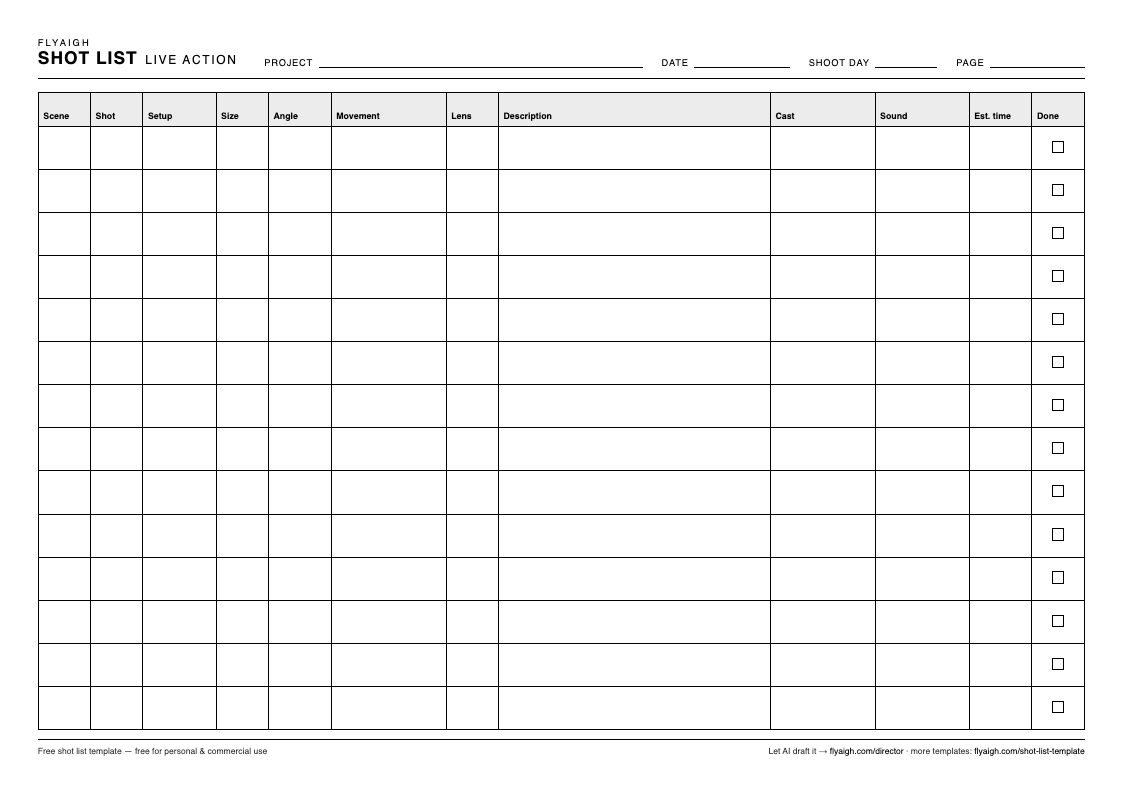
Live-action shot list
For a shoot with a camera crew. Scene, shot, setup, size, angle, movement, lens, description, cast, sound, a time estimate and a done box. The Setup and Est. time columns are what turn the list into a schedule.
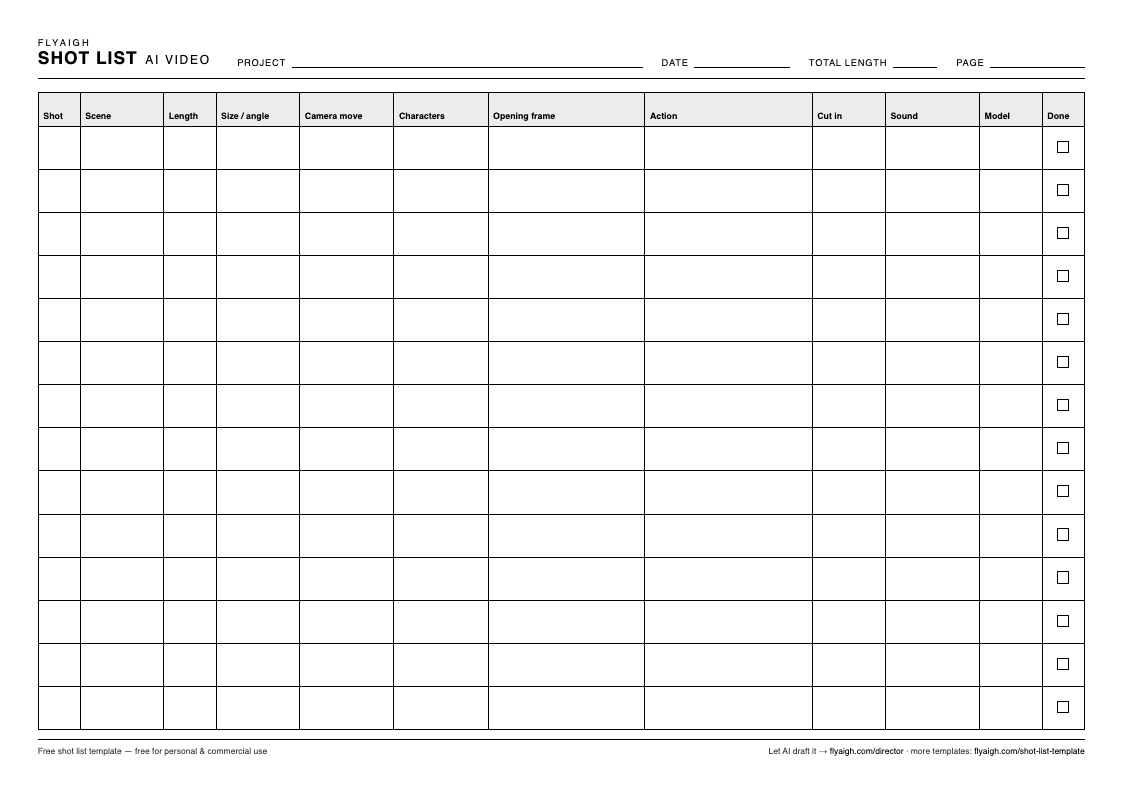
AI video shot list
For making a film one generated clip at a time. Each row is one generation: length, size and angle, camera move, characters, opening frame, the action in time order, how it cuts in, sound, and the model you used.
Prefer a spreadsheet?
The Excel workbook has both templates on separate tabs, plus the filled-in example below on a third tab. It opens in Excel, Google Sheets (File → Import), Apple Numbers and LibreOffice.
What goes in each column
One row per shot. Write the row before the day, fill the last column on the day. The samples below are illustrations, not a single scene.
Live-action template
| Column | What to write | Sample |
|---|---|---|
| Scene | The scene number from the script. Leave it blank if the whole video is one scene. | 3 |
| Shot | Shot number within the scene. Letters (3A, 3B, 3C) keep the numbers stable when you add a shot later. | 3B |
| Setup | A new number every time the camera or the lights move. Shots that share a setup get shot back to back. | 2 |
| Size | How tight the frame is: EWS, WS, MS, MCU, CU, ECU. | MCU |
| Angle | Where the camera sits: eye level, high, low, overhead, Dutch. | Low |
| Movement | What the camera does: static, pan, tilt, push in, pull out, tracking, handheld. | Slow push in |
| Lens | Focal length, or just wide, normal or long if it is not decided yet. | 50mm |
| Description | Subject and action in one line: what the camera has to catch. | She looks up from the letter |
| Cast | Who is in frame. This drives call times. | Mara |
| Sound | Sync dialogue, wild sound, or MOS if no sound is recorded. | Sync, lav |
| Est. time | Minutes to set up and shoot. Add them per setup to build the day. | 20 min |
| Done | Tick it on the day and note the good take for the editor. | Take 3 |
AI video template
| Column | What to write | Sample |
|---|---|---|
| Shot | Shot number in edit order. | 4 |
| Scene | A short location name. Shots in the same scene use the same environment reference. | Rooftop, night |
| Length | Seconds in this one generation. Director keeps each shot to 15 seconds or less; check the limit of the model you use. | 6 s |
| Size / angle | Shot size and camera angle in a few words. They go straight into the prompt. | MCU, low angle |
| Camera move | One clear move per shot: push in, pull back, orbit, locked off. | Very slow push in |
| Characters | Who or what has to look the same as in other shots. Attach the same reference images every time. | Mara, red coat |
| Opening frame | What the first frame shows. If you make a start image first, this is its prompt. | Mara at the parapet, city lights below |
| Action | What changes during the clip, in time order. Time codes help: 0–3 s, 3–6 s. | 0–3 s still; 3–6 s she turns |
| Cut in | How this shot joins the one before: hard cut, match on action, match cut, smash cut, dissolve. | Match on action |
| Sound | Dialogue with the speaker’s name, and key sounds. Write “silence” when silence is the point. | Wind, distant siren |
| Model | The video model that rendered the shot, so a retry looks the same. | Seedance 2.0 |
| Done | Tick it when you have a keeper and note which version you picked. | v2 |
How to fill in a shot list
The same six passes work for a crew shoot and for a film made of AI clips.
- 01
One row per shot
Go through the script scene by scene and write one row for each shot the edit needs. A two-person dialogue scene usually needs more rows than it first seems: two singles, a two-shot, and the reactions.
- 02
Name the frame
Fill in size and angle on every row. Two rows in a row with the same size and the same angle are a sign one of them can go.
- 03
Give each shot one move
Static is a decision too. For AI video, one clear camera move per shot comes out more reliably than two moves in one clip.
- 04
Write the sound
Dialogue with the speaker, the key sound, or MOS. Shots with no sound can be grouped together on a shoot, which frees the sound team.
- 05
Group and time it
Live action: number the setups and add up the minutes per setup. AI video: keep each row within one generation and give shots in the same scene the same references.
- 06
Tick it off
On the day, mark each row done and note the take or version you are keeping. The editor reads this column first.
A filled-in example: a seven-shot, 46-second AI short
This is the shot list behind “The Immortal War Begins” (仙战将启·风云骤变), a sample project made in FlyAIgh Director. Director planned the shots and every shot was generated as video; we copied its plan into the AI video template. The original is in Chinese, so the cells are translated.
| Shot | Scene | Length | Size / angle | Camera move | Who / what | What happens | Cut in | Sound |
|---|---|---|---|---|---|---|---|---|
| 1 | Floating gate | 11 s | Wide, symmetrical | Slow pull back and down | The gate, the army | 0–5 s pull back from the gate; 5–9 s the army is revealed below; 9–11 s everything goes still | — | Narration: “After this battle, no one will ever be square again.” Then all sound drops out |
| 2 | Allied front | 6 s | MCU | Very slow push in | Master Xuanyuan | 0–3 s he stands still; 3–6 s he raises his eyes toward the far side | Hard cut | First low drum hit |
| 3 | Enemy front | 5 s | Long shot | Very slow push in | Enemy commander, the army | 0–2 s the enemy lines; 2–5 s the commander raises a hand and the artifacts flare and turn | Hard cut | Second drum hit |
| 4 | Rune field | 4 s | Low angle, at ground level | Locked off, slight shake | — | 0–1 s still; 1–4 s the runes light up in a chain and the ground shakes | Hard cut | Heavy drum hits |
| 5 | Allied front | 9 s | ECU × 3 (cuts inside the clip) | Slight push in | The ancient sword | 0–3 s hand on the hilt; 3–6 s a cracked artifact leaks light; 6–9 s a pair of eyes snaps open | Hard cut | Drums speed up, strings rise |
| 6 | Battlefield | 6 s | Extreme wide | Slow push to the center | Both armies | 0–3 s the vortex forms and lightning circles; 3–6 s both sides step forward and their forces collide | Hard cut | Strings reach their peak |
| 7 | Allied front | 5 s | ECU (one eye) | Snap in, then freeze | Master Xuanyuan | 0–2 s light gathers in the pupil; 2–5 s the picture freezes | Smash cut | All sound cuts out |
Director has no separate size or angle field: those cells come from each shot’s frame description. Shot 5 holds three cuts inside one 9-second generation. Shot 7’s opening frame used the last frame of shot 6 as a reference image, which is how the white light carries across the smash cut.
Edit order on paper, grouped when you make it
The list is numbered in edit order, 1 to 7. Shots 2, 5 and 7 all play at the allied front. On a set you would shoot them back to back because they share a setup. With AI video the reason is the references: the same character and environment images go into all three, so generate and check them side by side before moving on.
Open this project in Director (read-only)Let Director draft the shot list from your script
Paste a script or type a one-line idea. Director writes the shot plan: length, framing, camera move, characters and the cut into each next shot, the same fields as the AI video template. You edit the plan, then generate each shot as video. Director does not export a spreadsheet; the plan lives on its board. Drafting is free to try; credits are only spent when you generate images or video.
Open Director and draft itShot list template FAQ
What is a shot list?+
What should a shot list include?+
What is the difference between a shot list and a storyboard?+
Should a shot list be in edit order or shooting order?+
How long should one shot be in an AI video shot list?+
Can I use the template in Google Sheets or Excel?+
Are the templates free?+
Can AI write the shot list from my script?+
From shot list to footage
Print the template for your next shoot, or hand the script to Director and generate the film one row at a time.
Open FlyAIgh Director