FlyAIgh Blog
Comparisons, guides & AI video insights
Honest side-by-side platform comparisons, generation guides, and creator-focused insights from the FlyAIgh team. More posts coming soon.
Guides & tutorials
31 articlesSora 2 Alternatives in 2026: What You Save, and What You Give Up
Most people looking for a Sora alternative are looking at the bill, or at the fact that Sora takes a single reference frame. Here is the full cost ladder, the reference budgets, and the three things Sora 2 Pro still wins at — because you should know what you are giving up.
Read the guideGoogle Veo 3 Alternatives in 2026: What to Use When 8 Seconds Is Not Enough
Veo 3.1 is excellent inside its box: every clip is exactly 8 seconds at 720p. Most people looking for a Veo 3 alternative have hit one of those two walls. Here is what each alternative actually gives you instead, with real prices.
Read the guide
Do AI Video Models Follow Acting Directions? (2026): Two Runs, Audited Frame by Frame
Prompt guides tell you to write performance direction, then never show whether the model did it. We ran the same scene twice on Seedance 2.5, once with the prompt naming a feeling and once with it naming only visible actions, published both clips, and timed every beat against the script. The unfilmable clause did not get dropped, it got approximated.
Read the guide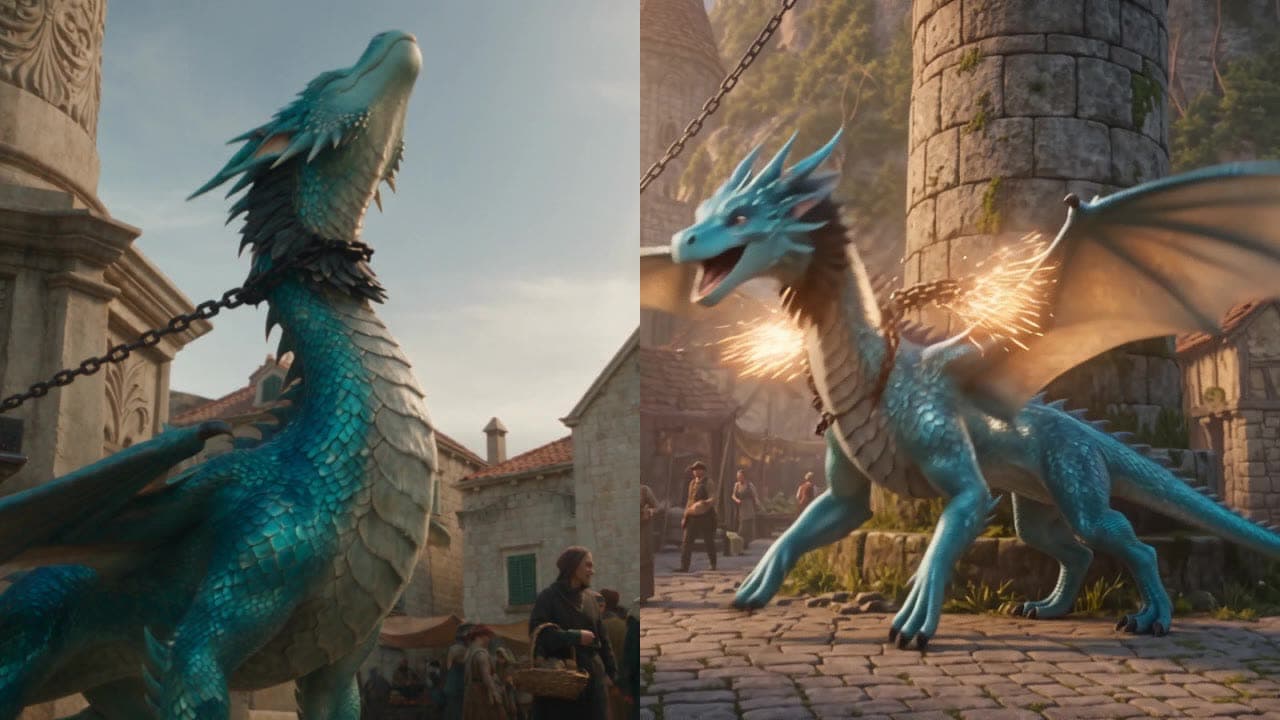
Seedance 2.5 vs Wan 3.0 (2026): One 25-Second Prompt, Both Full Clips Published
Most model comparisons quote vendor win rates. We ran one 25-second, seven-beat single-take brief on Seedance 2.5 and Wan 3.0 (same prompt, one take each, both clips published unedited) and scored every beat against the script. The style split is bigger than the quality gap, and the cheaper model wins one continuity point.
Read the guide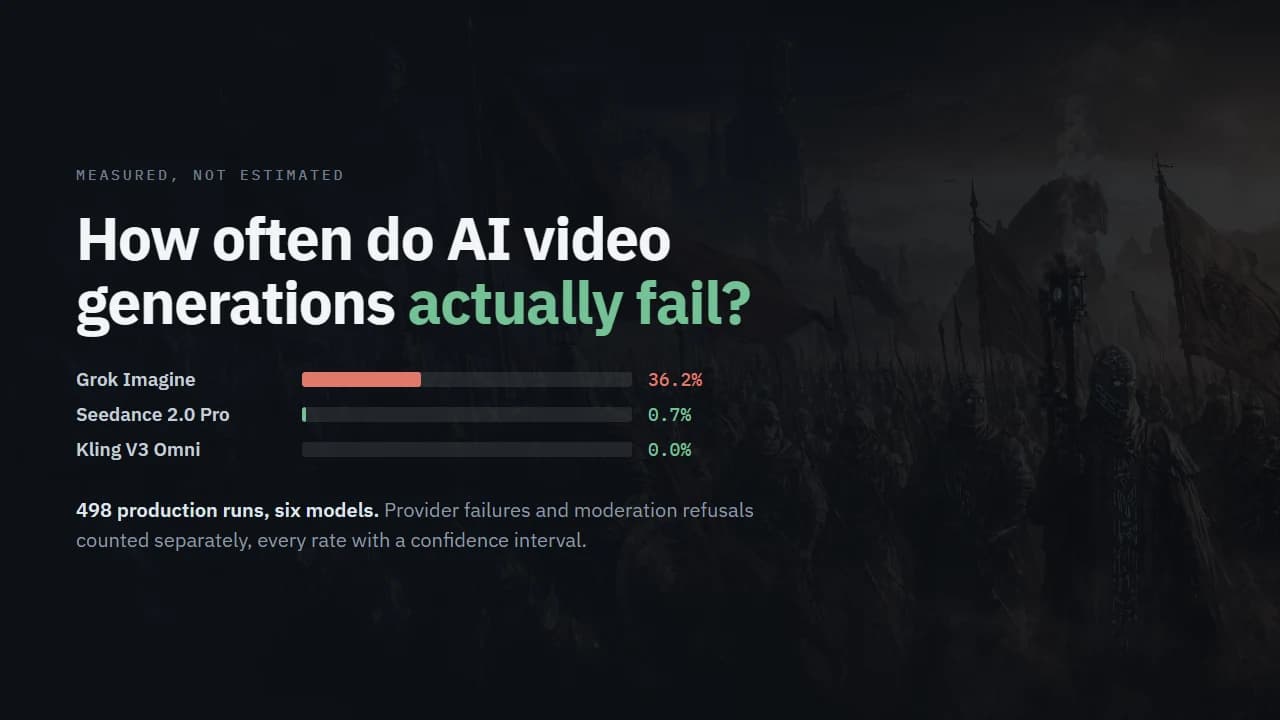
How Often Do AI Video Generations Actually Fail? Provider Errors and Moderation Refusals Across 498 Real Runs
Retry estimates for AI video circulate widely and none of them are measured. These are: six video models, 498 production runs, provider failures and moderation refusals counted separately, every rate with a confidence interval and the classification regex published.
Read the guide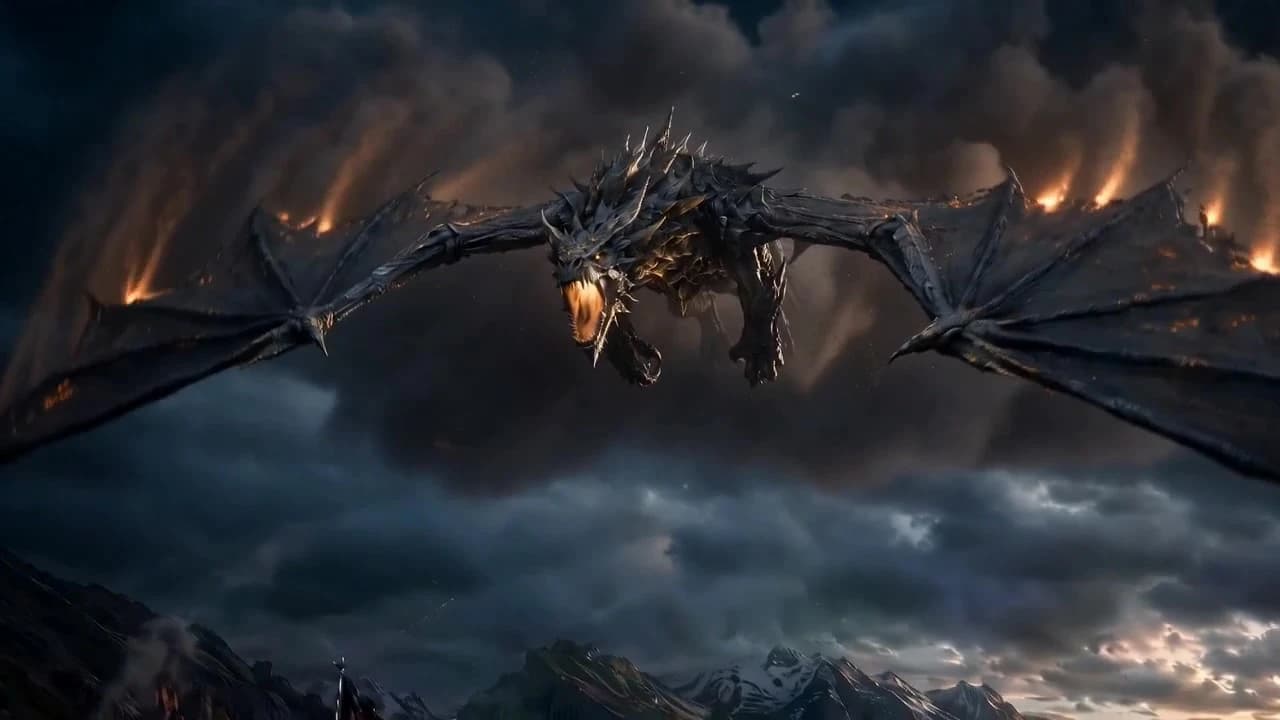
Anatomy of an AI Video Prompt: What 381 Real Production Prompts Have in Common
Most prompt guides hand you templates someone made up. These 381 prompts actually ran and produced footage. Here is the structure that repeats in all of them — including the part that handles cuts between shots.
Read the guide
Why AI Generations Get Rejected: Real Moderation Rates Across 11 Models
Most guides on failed AI generations describe the failure types and stop. This one has numbers: rejection rates per model from 1,480 real runs, the verbatim refusal messages, and which inputs trigger them.
Read the guideThe Best AI Image-to-Video Generators in 2026 (18 Models, Honestly Compared)
The "best image-to-video AI" question is really a model question: the same handful of flagship models powers nearly every tool. We compared all 18 image-to-video models available in 2026 — real per-clip costs, durations, resolutions, and what each one is genuinely best at.
Read the guideHow to Keep AI-Generated Characters Consistent Across Multiple Videos (2026 Guide)
Prompt-only descriptions drift. Single reference frames work for one shot. The honest 2026 answer is a dedicated character builder that binds identity refs + persona + look variants to every generation — here is how to actually do it.
Read the guideHow to Turn a Script Into a Storyboard with AI (2026 Workflow)
Generating pretty frames is easy. Turning a story into an ordered, shootable shot list — with a cast that stays consistent — is the hard part. Here is the workflow that actually gets you there in 2026.
Read the guideHow to Write a Screenplay with AI (2026): A Practical Workflow
AI will not write a great screenplay for you. Used well, it is the fastest writing partner you have ever had. Here is the logline-to-dialogue workflow that keeps you the author and the AI the assistant.
Read the guideHow to Build a Shot List from a Script with AI (2026)
A shot list is the bridge between a script and a shoot. Here is how to build one with AI — the fields that matter, the shot-type vocabulary, and how to turn each row into a generated clip.
Read the guideHow to Make an AI Short Film (2026): From Idea to Finished Cut
Making an AI short film is not one prompt — it is a pipeline. Here is the honest end-to-end workflow, the model picks per shot type, and the pitfalls that waste the most credits.
Read the guideScript to Video AI: The Complete Pipeline (2026)
"Script to video" sounds like one button. The version that actually works is a short pipeline — and understanding it is the difference between coherent film and pretty fragments.
Read the guideThe Best AI Storyboard Generators in 2026 (Honest Comparison)
Not every "AI storyboard" tool actually generates video, keeps characters consistent, or is even AI. Here is an honest breakdown of six options in 2026 — what each is genuinely best for, and where each falls short.
Read the guideHow to Do Video-to-Video with AI (2026): Reference-Driven Generation
Most "video to video" tools repaint frames and flicker. The 2026 approach is reference-driven regeneration — feed images, video, and audio, and the model generates a new, coherent clip. Here is how it works and how to do it.
Read the guideHow to Make AI Video Shots Splice Into One World (2026): Cut Continuity
Pretty shots that don't connect read as a slideshow. The skill that turns AI clips into a film is continuity — planning the cut between shots. Here are the cuts that matter and how to hold them across generations.
Read the guideHow FlyAIgh Writes Your Video Prompts for You (2026)
The gap between a great AI clip and a wasted credit is usually the prompt. Here is how FlyAIgh takes prompt-writing off your plate — the Director compiles a ready-to-use prompt for every shot.
Read the guideCharacter & Asset Management for AI Video (2026)
Keeping a face, an outfit, a prop or a location the same across dozens of AI shots is not a prompting trick — it is asset management. Here is how FlyAIgh treats your cast and props as reusable assets.
Read the guideAI Storyboard Generator vs Traditional Storyboards: What’s Different (2026)
A traditional storyboard ends at static drawings. An AI Director keeps going — script, consistent cast, planned cuts, ready-to-use prompts, and a rendered, continuous film. Here is the honest difference.
Read the guideThe Cheapest Way to Use Grok Imagine, Hailuo, Seedance & Kling — One $11.99 Membership (2026)
Paying for four separate AI-video subscriptions is the expensive way to do it. Here is how one $11.99/month membership puts Grok Imagine, Hailuo, Seedance and Kling on a single shared credit wallet — with the exact per-clip credit and dollar costs.
Read the guideHow Much Does Google VEO 3.1 Cost? Real Per-Clip Pricing on FlyAIgh (2026)
VEO 3.1 bills per 8-second clip — not per second — so the math is simple once you have the numbers. Here is the real per-clip cost of VEO 3.1 Lite, Fast, and Quality on FlyAIgh, framed around the $11.99 membership and one shared credit wallet.
Read the guideHow Much Does Seedance 2.0 Cost? Per-Clip Pricing on One $11.99 Membership (2026)
Seedance 2.0 is billed per second with a resolution multiplier, so there is no single "cost per video." Here are the exact per-clip credit and dollar costs for Pro (720p/1080p/4K) and Fast (720p) on FlyAIgh — all out of one $11.99 wallet.
Read the guideHow Much Does OpenAI Sora 2 Cost? Sora 2 & Sora 2 Pro Pricing on One $11.99 Membership (2026)
OpenAI Sora 2 pricing, decoded: Sora 2 is 6 credits/second, Sora 2 Pro is 17 — and both share one $11.99 FlyAIgh wallet at roughly 3¢ a credit. Here are the exact per-clip costs in credits and dollars, plus how many clips $11.99 actually buys.
Read the guideHow Much Does Kling V3 Cost? Real Per-Clip Credits & Dollars on One $11.99 Wallet (2026)
Kling V3 is billed per second at 8 credits/s, so the honest cost depends on duration and resolution. Here is the exact credit and dollar cost of every Kling V3, V3 Omni and Kling Image 3.0 config on FlyAIgh, framed around the $11.99 membership and one shared credit wallet.
Read the guideHow Much Does Hailuo 2.3 Cost? Real Per-Clip Pricing on FlyAIgh (2026)
Hailuo 2.3 is billed per video, not per second — so the real cost is simpler than most models. Here are the exact per-clip credits and dollars for Hailuo 2.3 and Hailuo 2.3 Fast at 768p and 1080p, all on one shared $11.99 credit wallet.
Read the guideHow Much Does Grok Imagine Cost? Per-Second Pricing on FlyAIgh (2026)
Grok Imagine bills per second — a flat 3 credits a second at both 480p and 720p, in 6- or 10-second clips. Here is exactly what a clip costs in credits and dollars on the $11.99 membership, and how far 400 credits stretch.
Read the guideHow Much Does Nano Banana Cost? Nano Banana 2 + Pro Pricing on FlyAIgh (2026)
Nano Banana pricing in plain numbers: Nano Banana 2 runs 4–8 credits (≈$0.12–$0.24) and Nano Banana Pro 8–13 credits (≈$0.24–$0.39) per image, all on one $11.99/month FlyAIgh wallet at about 3¢ a credit. Here is exactly what your $11.99 buys.
Read the guideHow Much Does Midjourney v7 Cost? Draft, Fast & Turbo Pricing on FlyAIgh (2026)
Midjourney v7 has three render speeds — Draft, Fast, and Turbo — but on FlyAIgh they all cost the same flat 6 credits (about $0.18) per image. Here is the exact per-image price in credits and dollars, framed around the $11.99 membership and one shared wallet — plus how many images $11.99 actually buys.
Read the guideHow Much Does Seedream 5.0 Cost on FlyAIgh? Real Per-Image Credits & Dollars (2026)
Seedream 5.0 Lite is one of the cheapest photorealistic image models on FlyAIgh: 3 credits at 2K, 4 credits at 3K. Here is exactly what that costs in dollars on the $11.99 membership, framed around one shared credit wallet — no per-vendor fee.
Read the guideHow Much Does Qwen Image 2.0 Cost? Per-Image Credits & Dollars on FlyAIgh (2026)
Qwen Image 2.0 is one of the cheapest serious image models on the platform — a standard 1K render is just 2 credits. Here is the exact per-image credit and dollar cost for both the 2.0 and 2.0 Pro variants across 1K/2K/4K, framed around one $11.99 wallet.
Read the guideMulti-model AI video comparisons
10 articlesFlyAIgh vs Higgsfield
Annual-only cinematic AI suite with built-in creator tools
Read the comparisonFlyAIgh vs Pollo AI
Broad consumer hub bundling 100+ AI video and image tools
Read the comparisonFlyAIgh vs WaveSpeedAI
Pay-per-use API + web UI for developers, no subscription
Read the comparisonFlyAIgh vs Runway
Original AI video pioneer with proprietary Gen-4 model line
Read the comparisonFlyAIgh vs LTX Studio
AI production workflow platform — storyboards, scenes, multi-user collaboration
Read the comparisonFlyAIgh vs Katalist
AI script-to-storyboard with bundled video clips, aimed at ad and film pre-vis
Read the comparisonFlyAIgh vs Media.io
Wondershare's browser-based AI media toolkit — huge tool catalog, video-to-video included
Read the comparisonFlyAIgh vs Boords
Collaborative storyboarding and client sign-off with AI frames and animatics
Read the comparisonFlyAIgh vs Storyboard That
Drag-and-drop clipart storyboard maker for classrooms and business — no AI
Read the comparisonFlyAIgh vs Storyboarder
Free, open-source desktop app for hand-drawing storyboards and 3D previs — no AI
Read the comparisonMore coming
Next up: prompt engineering deep-dives, model picker by use case, Canvas workflow templates, and creator case studies. Follow @FlyAIgh on X for new-post pings.